
Digital literacy basics for everyday life
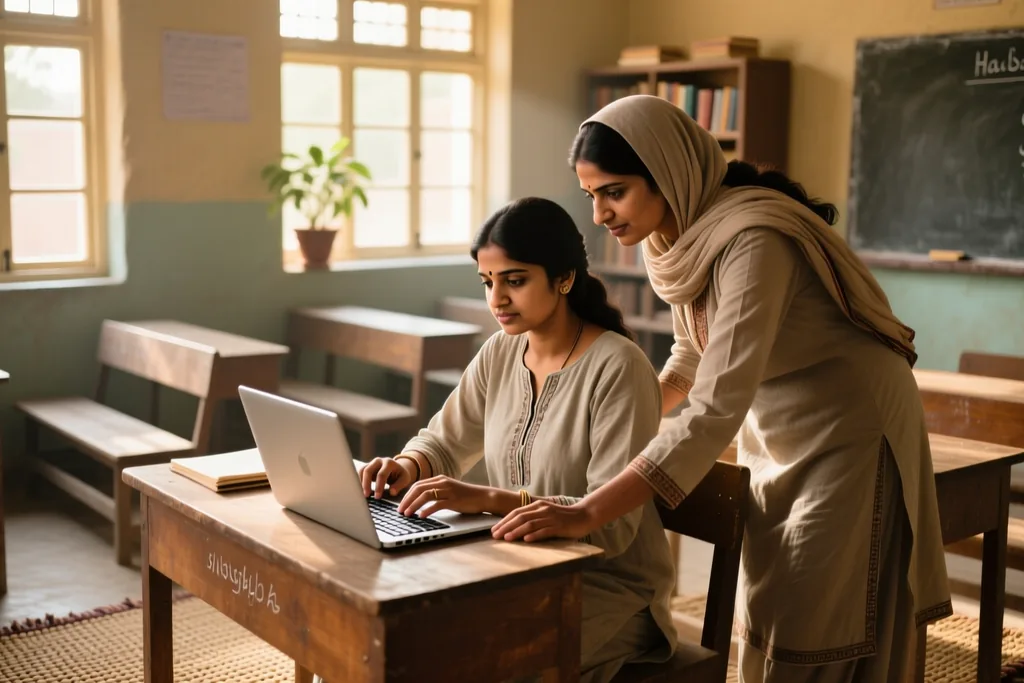
Digital literacy is the set of ordinary skills that let a person use technology without depending on someone else to operate it. It covers devices, files, search, messages and the vocabulary that surrounds them, and it has become as basic as reading a form or filling in a bank slip. This page explains what digital literacy actually includes and how to build it step by step.
What digital literacy really means
Digital literacy is not the ability to program or repair a computer. It is the confidence to open a device, find what you need, save your work somewhere you can find it later, and communicate with another person using the standard tools everyone else uses.
Thinking of it as literacy rather than technology helps. Nobody expects a reader to have written the book, and nobody needs to have built a phone to use one well.
Getting comfortable with devices
Most devices behave in similar ways, and once you understand the pattern on one, the rest become easier. The important parts are the screen, the way you point at things, the keyboard for typing, and the settings that control sound, brightness and connections.
- Learn where your device keeps its own settings.
- Practise typing slowly and accurately rather than quickly.
- Understand how your device connects to the internet.
- Learn how to lock and unlock it securely.
- Find out how to take a screenshot, which helps with almost everything else.
Files and folders
The idea of a file and a folder is the foundation of everything else. A file is a single document, image or piece of work; a folder is a container that holds files. Naming files clearly and keeping related work together saves more time than any other habit.
Decide on a simple scheme and use it consistently, such as a folder for each subject and a file name that includes the date. Later, when you need to find something, the scheme will do the work for you.
Searching and checking
Searching is a skill, not a single action. A specific query returns better results than a vague one, and the first result is not automatically the correct one. Compare two or three sources before trusting a piece of information, especially if it affects money, health or study.
Communication and everyday tasks
A great deal of modern life happens through a handful of simple tools, and the table below lists the ones worth learning first.
| Tool | What it is for | First skill to learn |
|---|---|---|
| Formal messages and attachments | Sending a file | |
| Messaging | Quick conversation and groups | Muting a group |
| Search engine | Finding information | Writing a precise query |
| Documents | Writing and storing work | Saving and renaming |
| Calendar | Remembering appointments | Adding a reminder |
Learning without fear
Nothing on a well-designed device breaks because you tapped the wrong place, and almost every mistake can be undone. The learners who progress fastest are the ones willing to press a button and see what happens, rather than waiting to be shown every step.
It also helps to write down what you learn. A notebook of small procedures, kept next to your device, removes the fear of forgetting and lets you solve the same problem yourself next time.
Building the habit
Digital literacy grows through use rather than study. Set yourself small, real tasks such as writing a message, saving a document or finding a piece of information, and repeat them until they feel ordinary. Confidence follows competence, and competence follows practice.
Ask questions without embarrassment. Every experienced user was once confused by the same thing, and the vocabulary of technology is unfamiliar to everyone at first. Treat each question as a step forward rather than an admission of ignorance.
When the internet is not reliable
Digital literacy has to work in real conditions, and for many learners the connection is slow, expensive or shared. Planning around that constraint is itself a skill: download what you need while the connection is good, keep essential documents on the device rather than only online, and write drafts offline before uploading them.
It also helps to know which tasks can wait. Messages, updates and browsing can happen when the network allows, while a deadline or an upload deserves a window when you know the connection is at its best.
Finally, keep a physical backup of anything critical. A printed summary of key details costs almost nothing and protects you completely when the technology fails at the wrong moment.
Digital literacy is best understood as a set of ordinary habits rather than a special talent. Get comfortable with a device, learn how files and folders work, search carefully, use a few communication tools well and practise on real tasks. Build those habits and technology stops being intimidating and becomes simply useful.
Read next
Staying safe online: accounts, passwords and privacy
Practical habits that protect your accounts and your personal data.
Digital tools that make studying easier
Documents, notes, calendars and collaboration for learners.
Learning online: courses, platforms and good habits
How to choose an online course and finish it.