
Staying safe online: accounts, passwords and privacy

Staying safe online is mostly a matter of a few consistent habits rather than technical expertise. Most harm comes from ordinary mistakes: a reused password, a link that looked official, or personal information shared where it should not be. This page explains the practical protections that matter most and how to apply them.
Passwords are the first line
A password is the key to everything behind it, and the same key should not open every door. Reusing a password means that a single leak anywhere can expose every account you own, which is why unique passwords matter more than complicated ones.
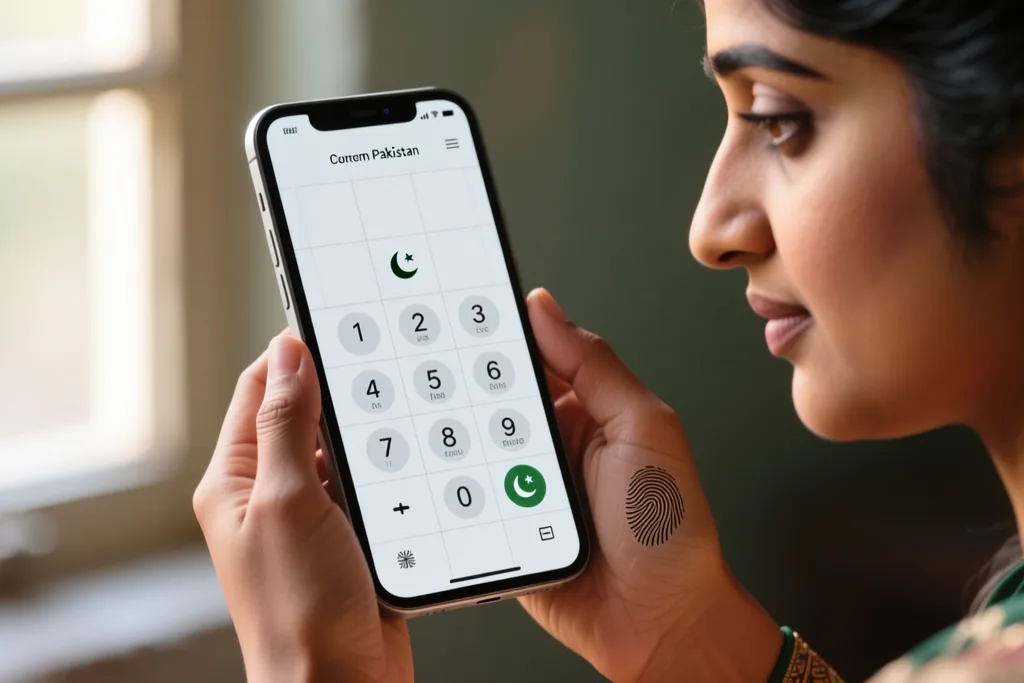
A long phrase is easier to remember and harder to guess than a short jumble of symbols. Write your passwords down somewhere physical and private if that helps, rather than trusting memory alone.
- Use a different password for every important account.
- Prefer long phrases over short, complex strings.
- Change a password immediately if you suspect a leak.
- Never send a password by message or email.
- Turn on extra verification where it is offered.
Recognising dishonest messages
Most online fraud begins with a message that creates urgency. A message claims something must be done immediately, or that an account will be closed, or that a prize is waiting. The urgency is the warning: legitimate organisations rarely demand instant action through a link.
When a message asks you to confirm details or sign in, do not use the link inside it. Open the service yourself through a route you already trust, and check whether the message is genuine at all.
Protecting personal information
Personal information has value, and once it is shared it cannot be recalled. Treat your full name, address, date of birth and financial details as things that are given only to services you have deliberately chosen to use.
What to watch for
The table below lists the warning signs worth taking seriously, along with the safest response.
| Warning sign | What it usually means | Safest response |
|---|---|---|
| Urgent demands | Pressure to bypass thinking | Stop and verify separately |
| Requests for passwords | An attempt to take over an account | Never share them |
| Unexpected prizes | Bait for personal details | Ignore the message |
| Unknown attachments | Possible harmful file | Do not open it |
| Payment to receive money | A classic advance-fee trick | Decline and report |
Devices and public networks
Keep your device updated, because updates fix problems that attackers already know about. Be cautious on shared or public networks, and avoid signing in to sensitive accounts where the connection is not yours.
If you lose a device, treat it as a security event rather than an inconvenience. Change the passwords for the accounts it could access, and use the tools available to lock or locate it.
What to do if something goes wrong
If you think an account has been taken over, change its password immediately from a device you trust, then check the details connected to it. Tell the people who might be contacted through the compromised account, so they are not caught by a message sent in your name.
Report the problem to the service involved and, where money is affected, to the relevant authority. Acting quickly limits the damage far more than acting perfectly.
Good habits, repeated
Online safety is not a single setting but a routine. Use unique passwords, treat urgent messages with suspicion, guard your personal information, keep your device updated and act quickly when something looks wrong. None of these steps requires technical knowledge, and together they remove most of the risk an ordinary user faces.
Safety in shared and family devices
Many learners use a device shared with family members, which adds a practical dimension to online safety. Signing out after use, avoiding saved passwords on a shared browser and keeping private files in a separate account all reduce the chance that someone else accidentally exposes your information.
It also helps to agree on a simple household rule about what is installed on the device. Unfamiliar applications are a common source of problems, and a shared understanding of who adds them prevents most of the risk.
If you must use a public or borrowed computer, avoid signing in to anything sensitive, and always sign out when you finish. A minute of caution protects accounts that would take far longer to recover.
Digital safety is a habit rather than a product, and the habits are simple enough to keep. Protect your accounts with unique passwords, verify before you click, share personal information sparingly and respond quickly if something goes wrong. Do those things consistently and you can use the internet with confidence rather than caution.
Read next
Digital literacy basics for everyday life
Devices, files, search and the vocabulary of the digital world.
Digital tools that make studying easier
Documents, notes, calendars and collaboration for learners.
Learning online: courses, platforms and good habits
How to choose an online course and finish it.